
Disclaimer: This guide is for educational purposes and authorized projects only. Do not use these techniques for non-consensual content, deepfakes, or impersonating public figures.
Hi fellow creators!
I am Zero Lu, a content creator who uses Seedance 2.0 a lot.
If you have been experimenting with Seedance 2.0, you already know how strict face detection can be. Here are the routes and workflows that actually work.
Method 1: Official route
If you are in China and can use ByteDance domestic apps, the official workflow is the most reliable.
Jimeng app
- Open the app and navigate to
我的->创建分身. - Open the camera and scan your face.
- Once scanned, @ your avatar to create a video.
Screen recording:
Resulting video:
XYQ app
- Go to the third tab, then
发咕咕->发咕咕. - Enter
@, choose创建新角色, then select录制真人形象. - Scan your face and generate with your avatar.
Screen recording:
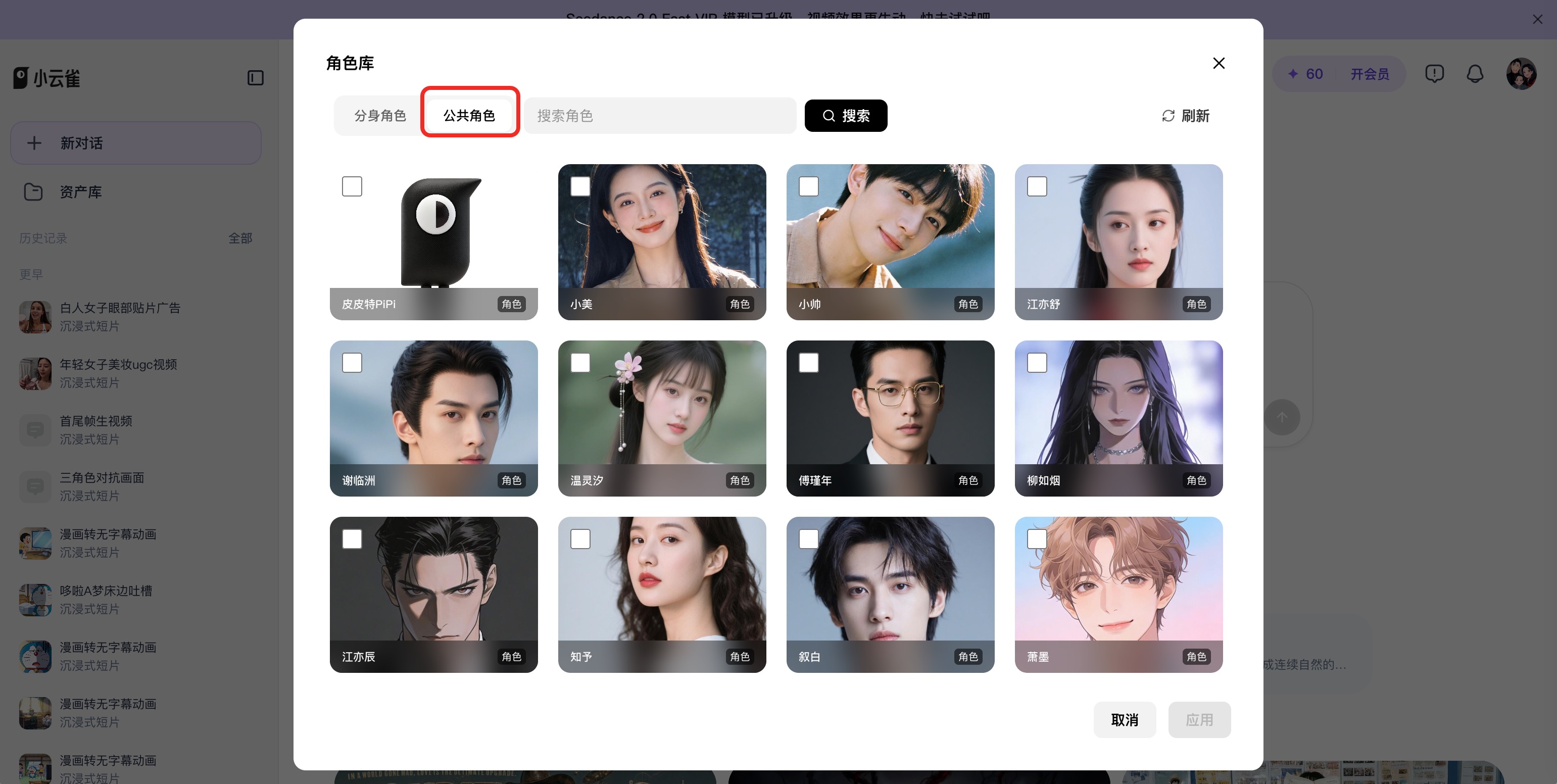
XYQ character library
You can also use the built-in character library.
- Go to
https://xyq.jianying.com/home?tab_name=home. - Click
+, then choose角色库. - Open
公共角色and add one to the scene.
Screenshot:


Method 2: Cyberbara route
Cyberbara is the easiest global route for real-face workflows.
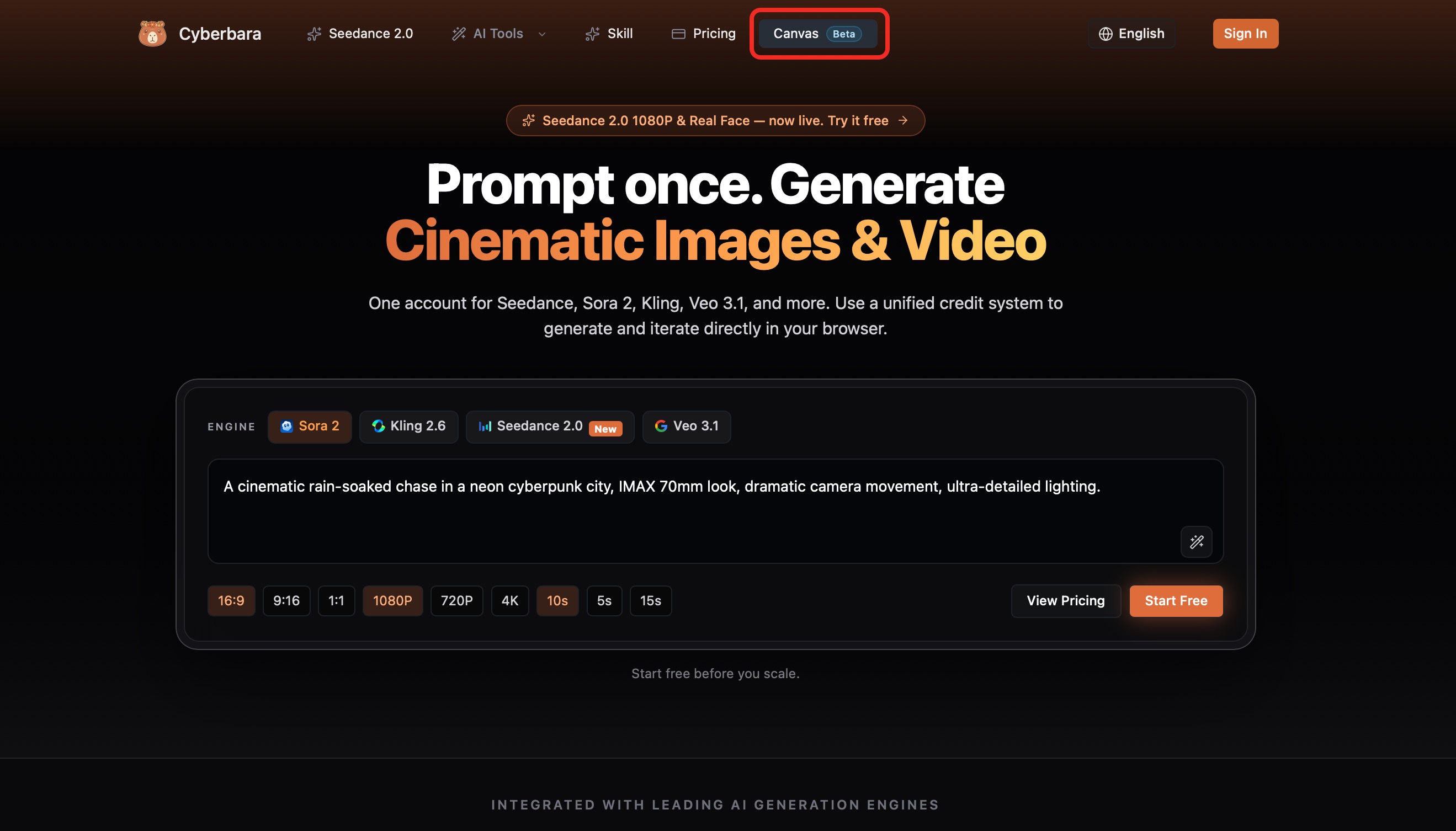
- Go to Cyberbara.com.
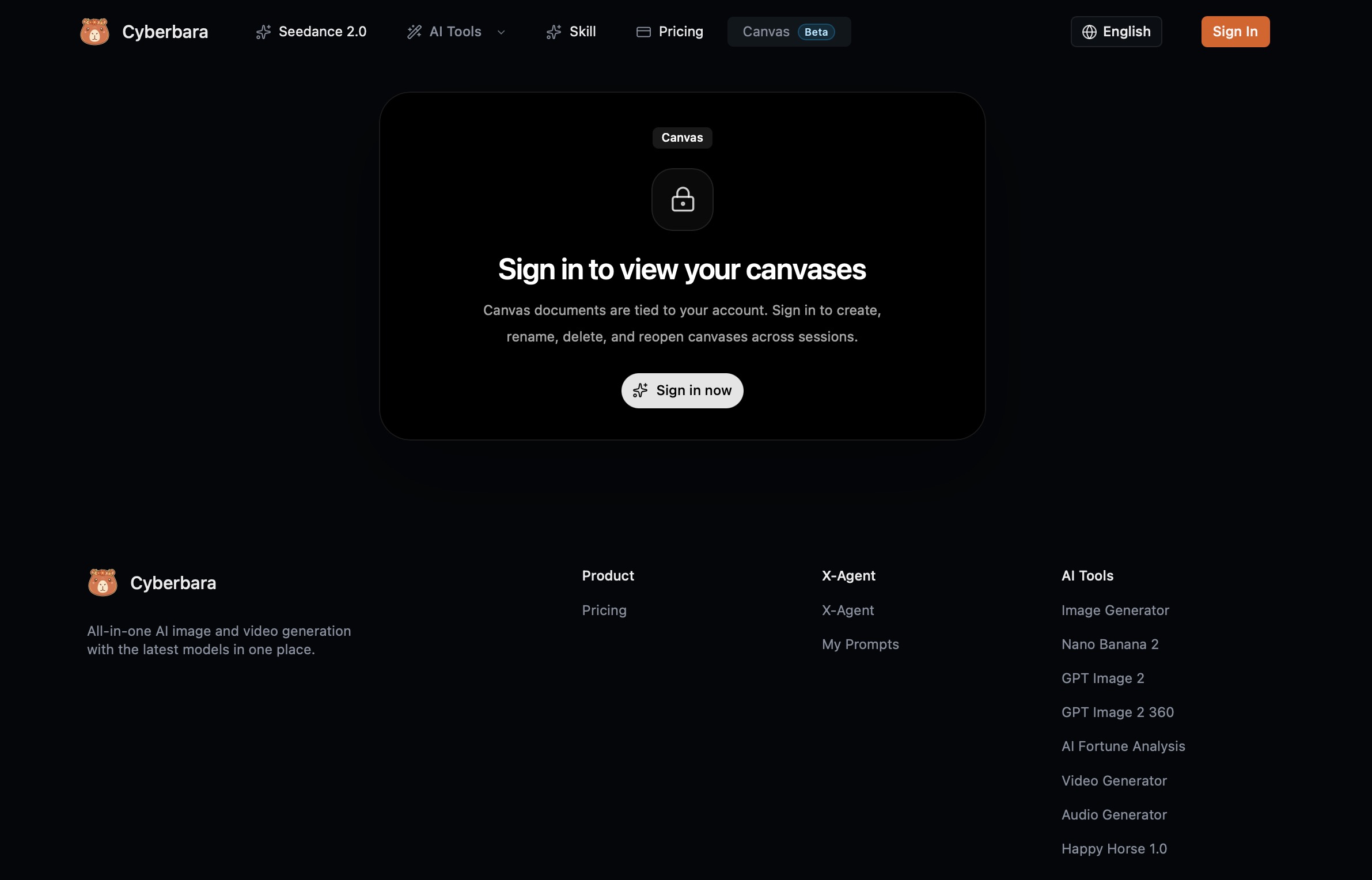
- Click
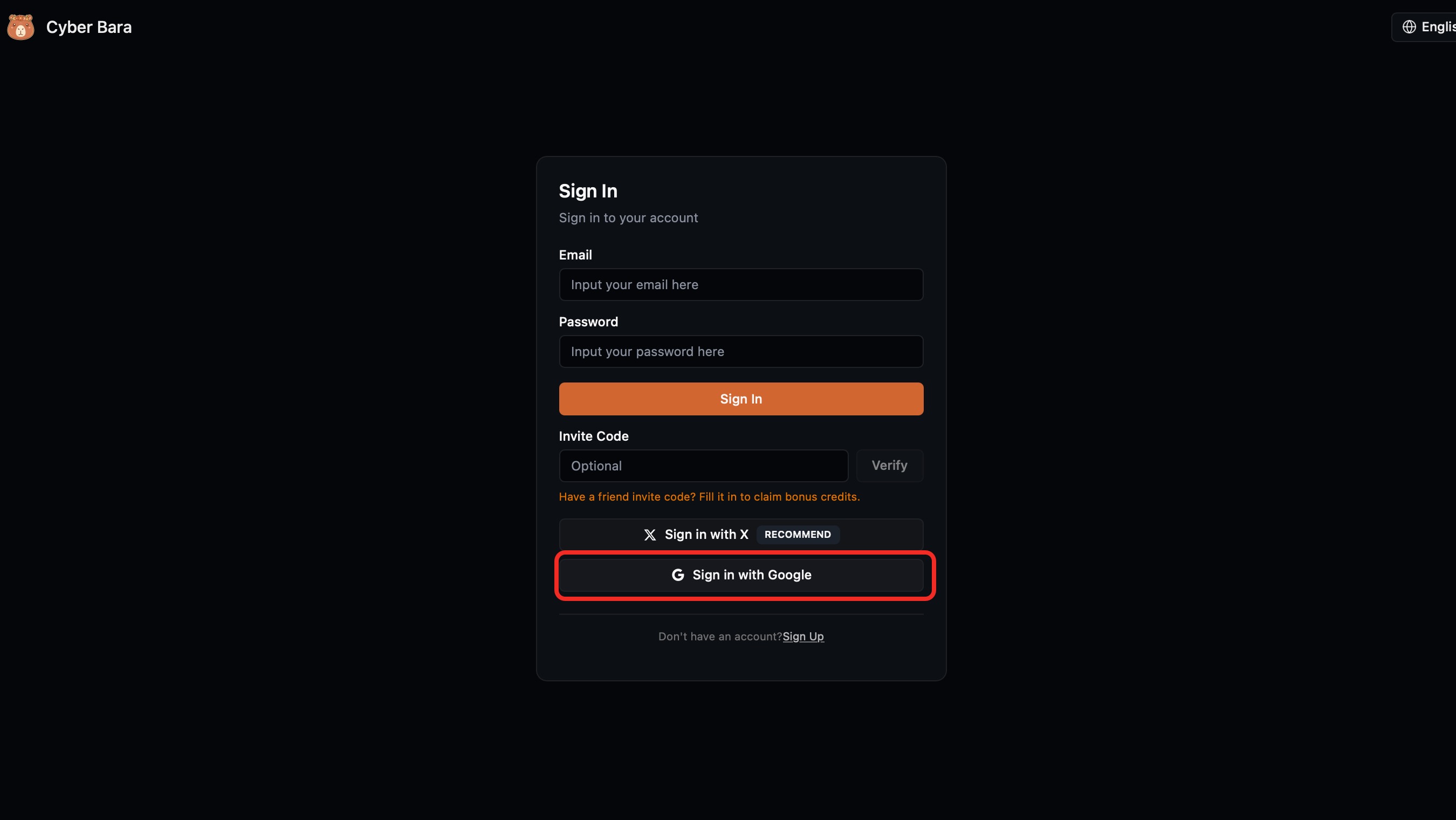
Canvas. - Sign in with Google, X, or email.
- Drag and drop your portrait onto the canvas.
- Choose
Video Node. - Select
Seedance 2.0 StableorSeedance 2.0 Fast Stable. - Reference the uploaded image and generate.
Screens:
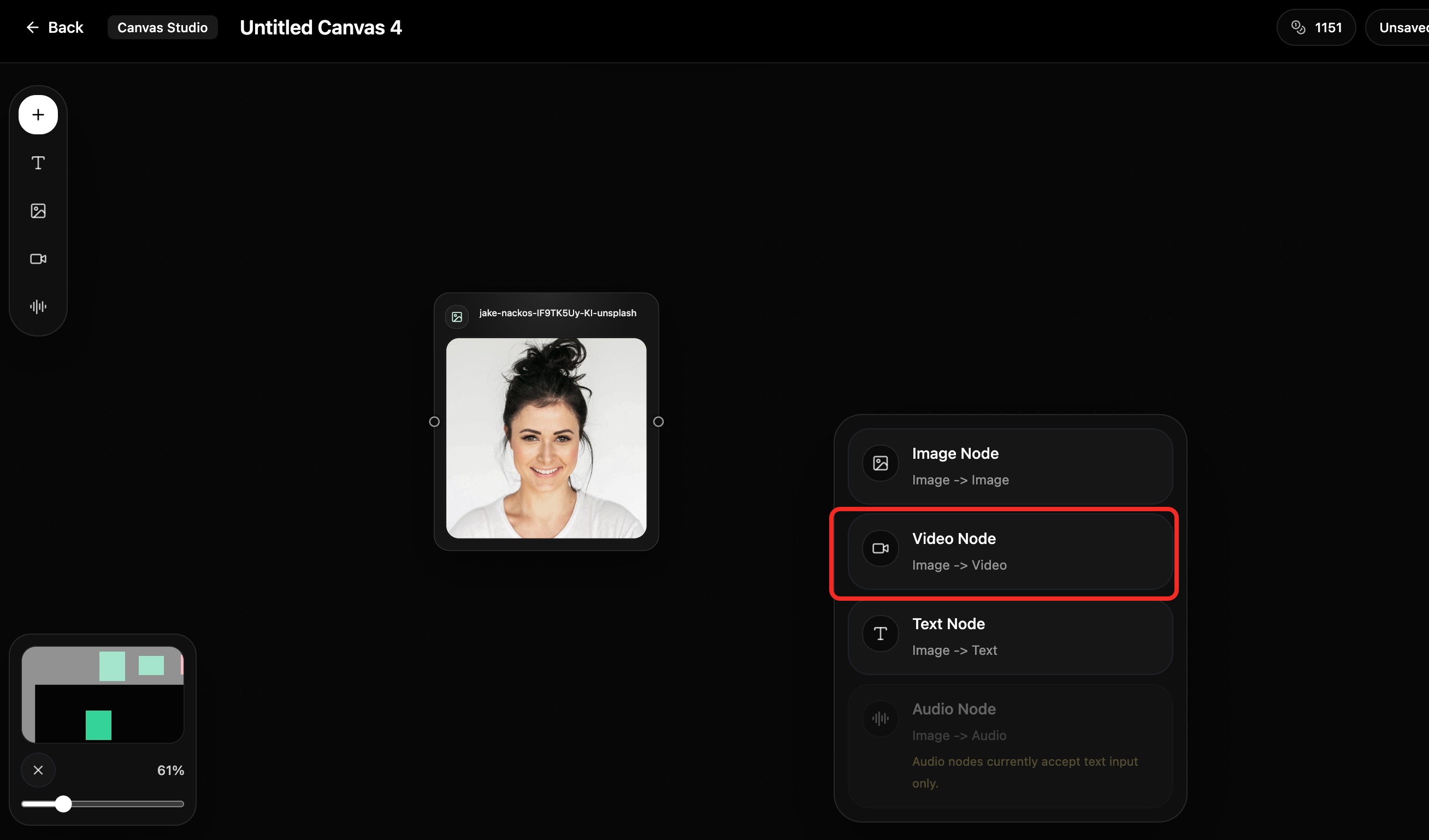
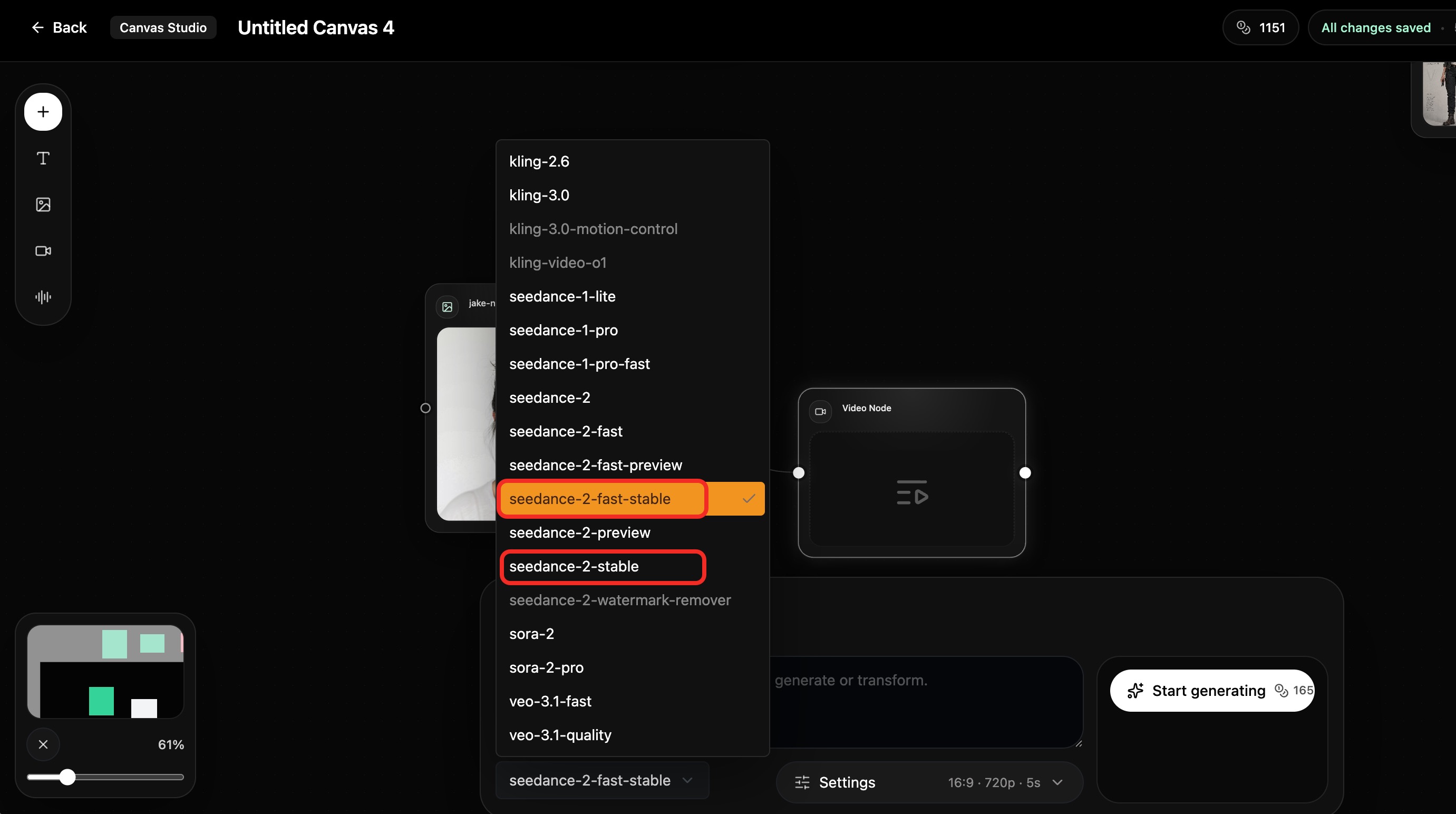
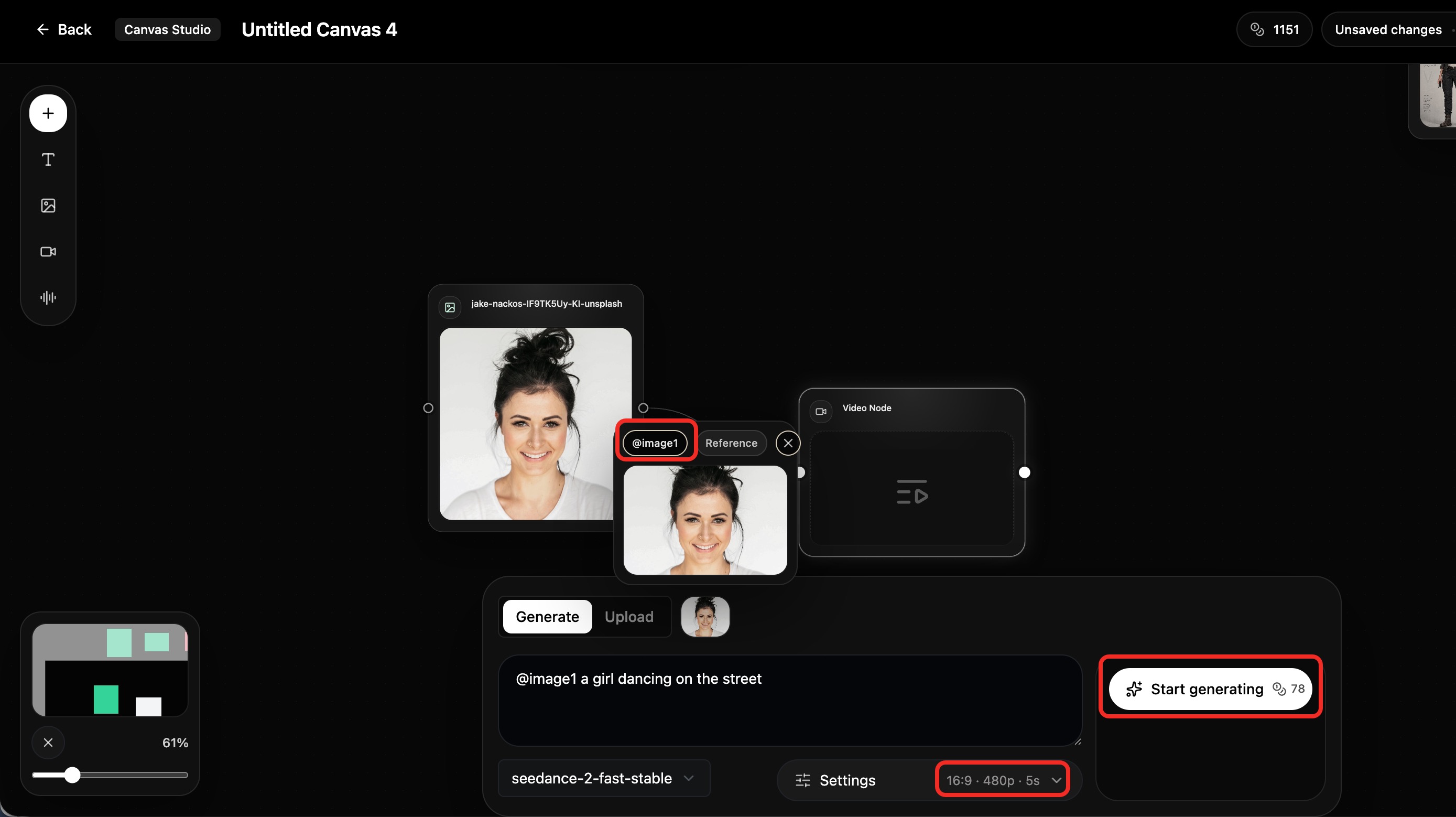
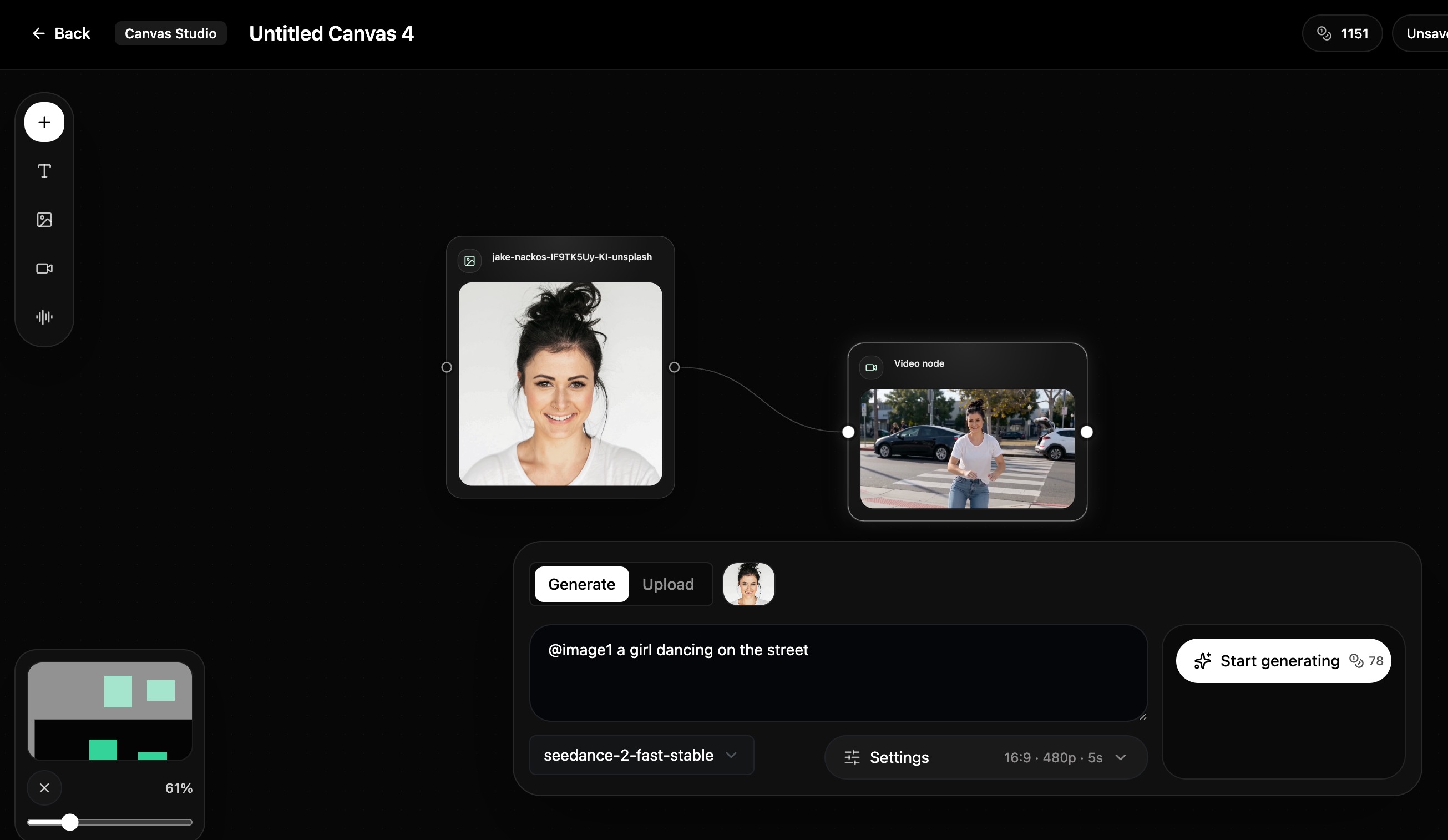
Resulting video:
Sample image:

Method 3: Prompt-based workarounds
If you are testing other tools, these prompt tricks may help bypass face detection.
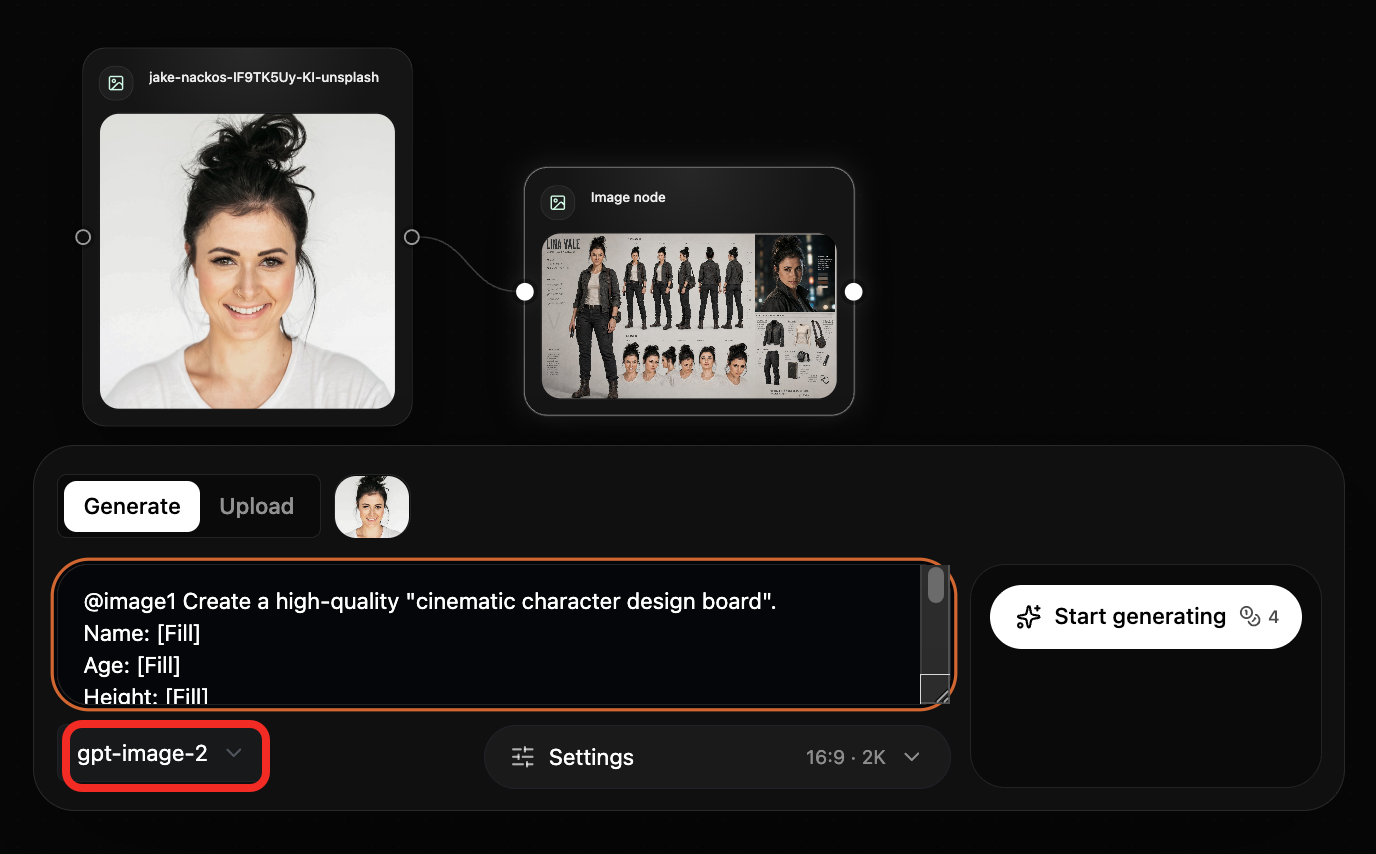
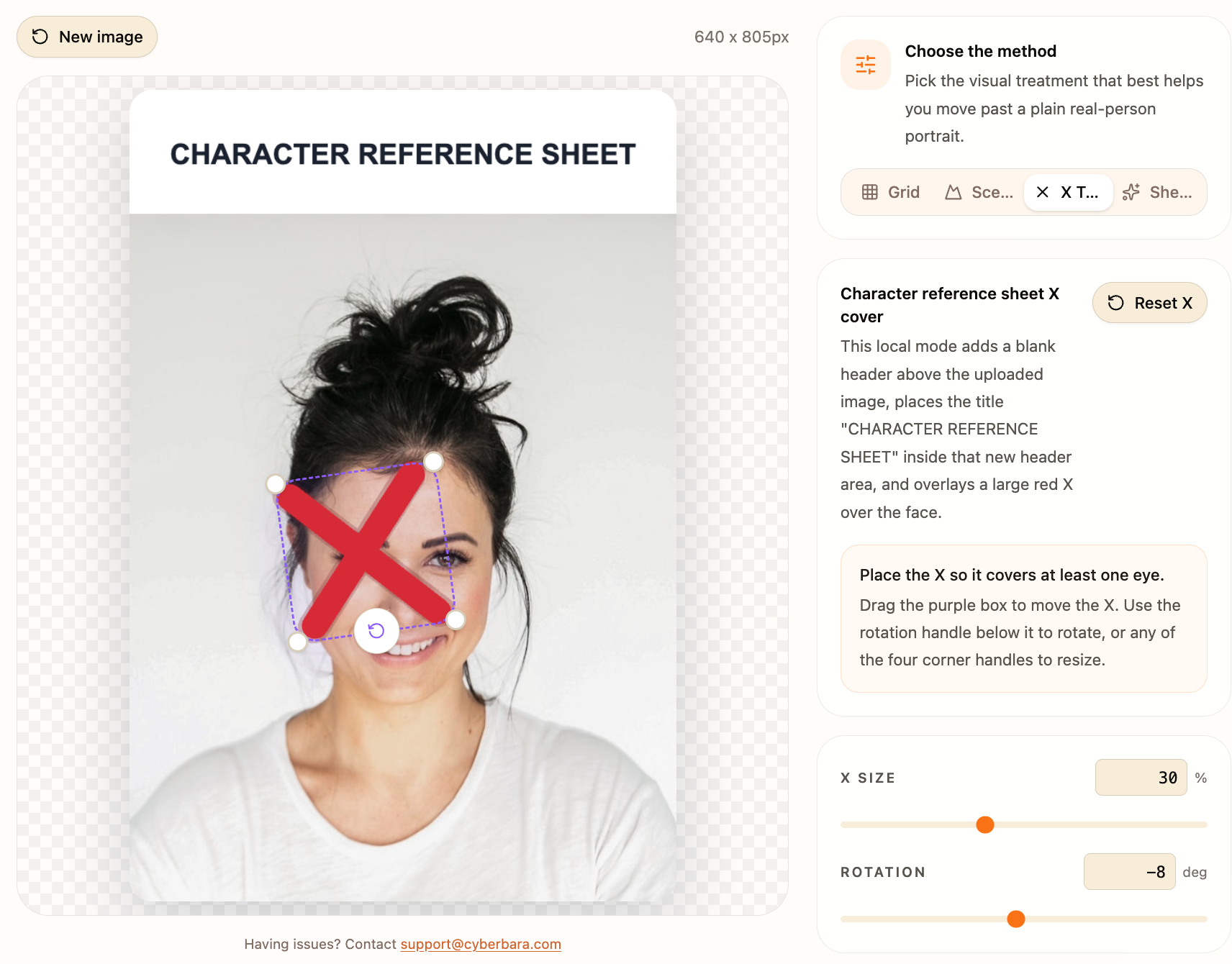
Character sheet method
Use GPT Image 2 to turn the face into a character design board.

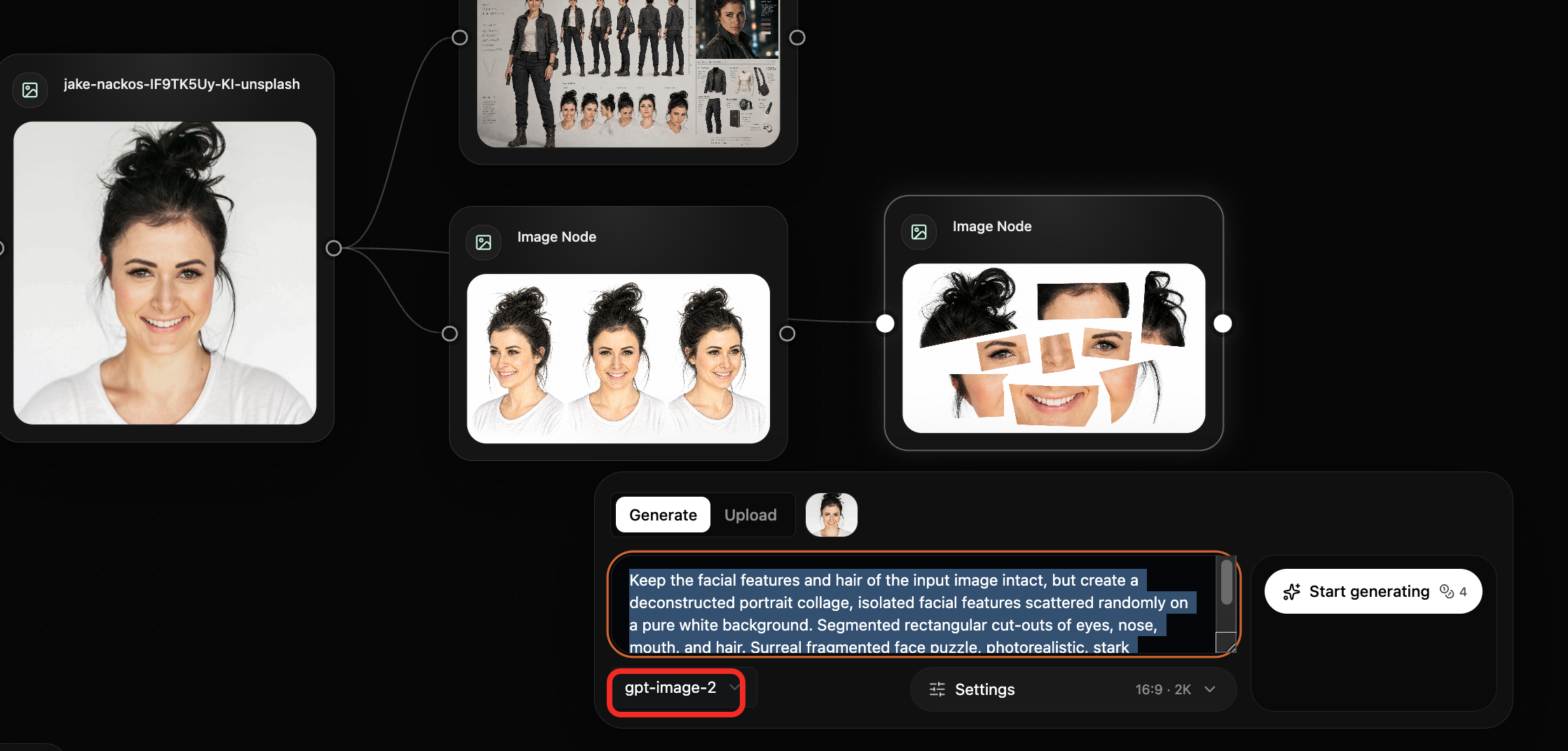
Face split method
Split the face into fragmented visual pieces.

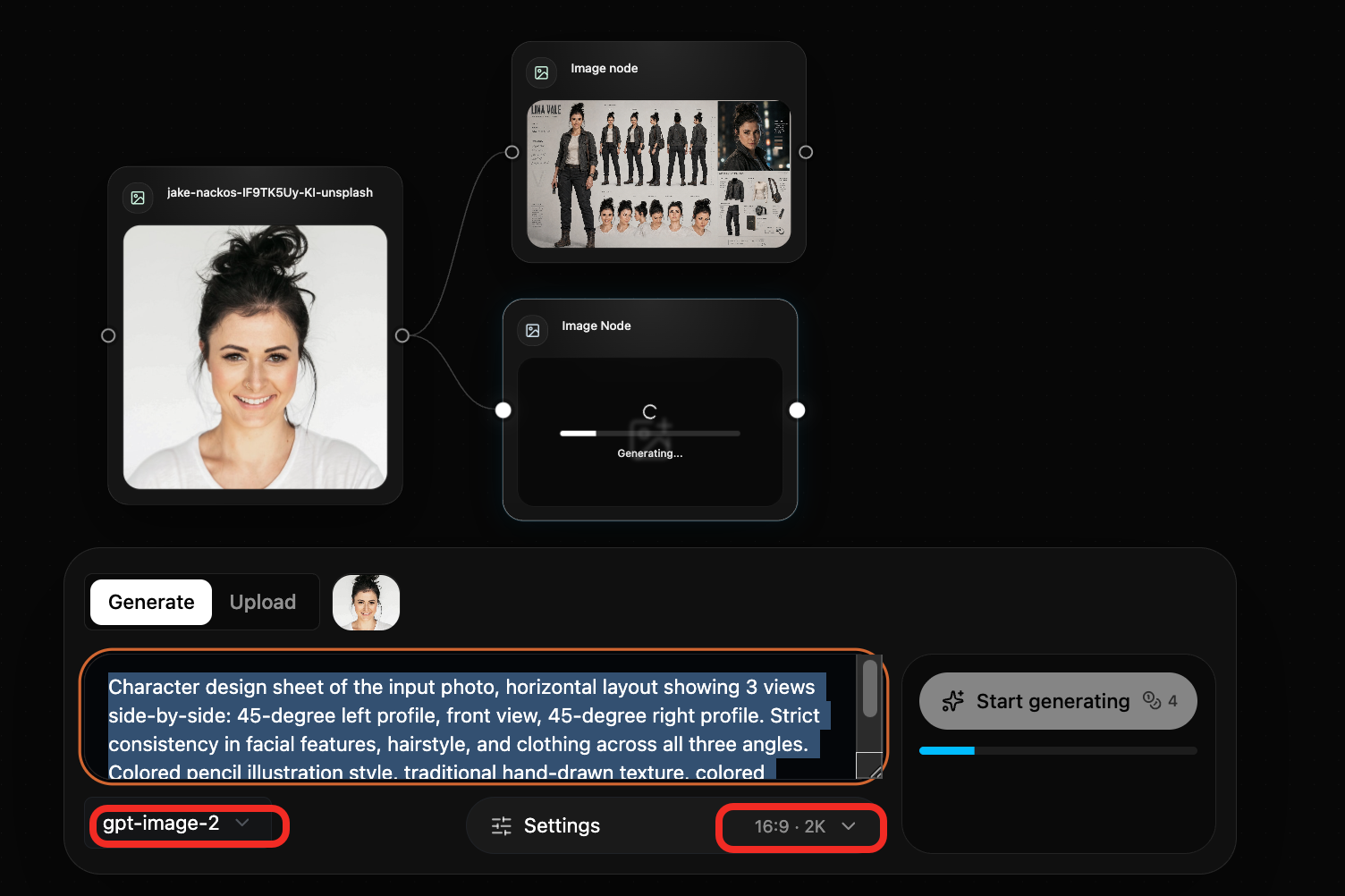
Colored pencil method
Use a stylized version first, then feed it into Seedance 2.0.

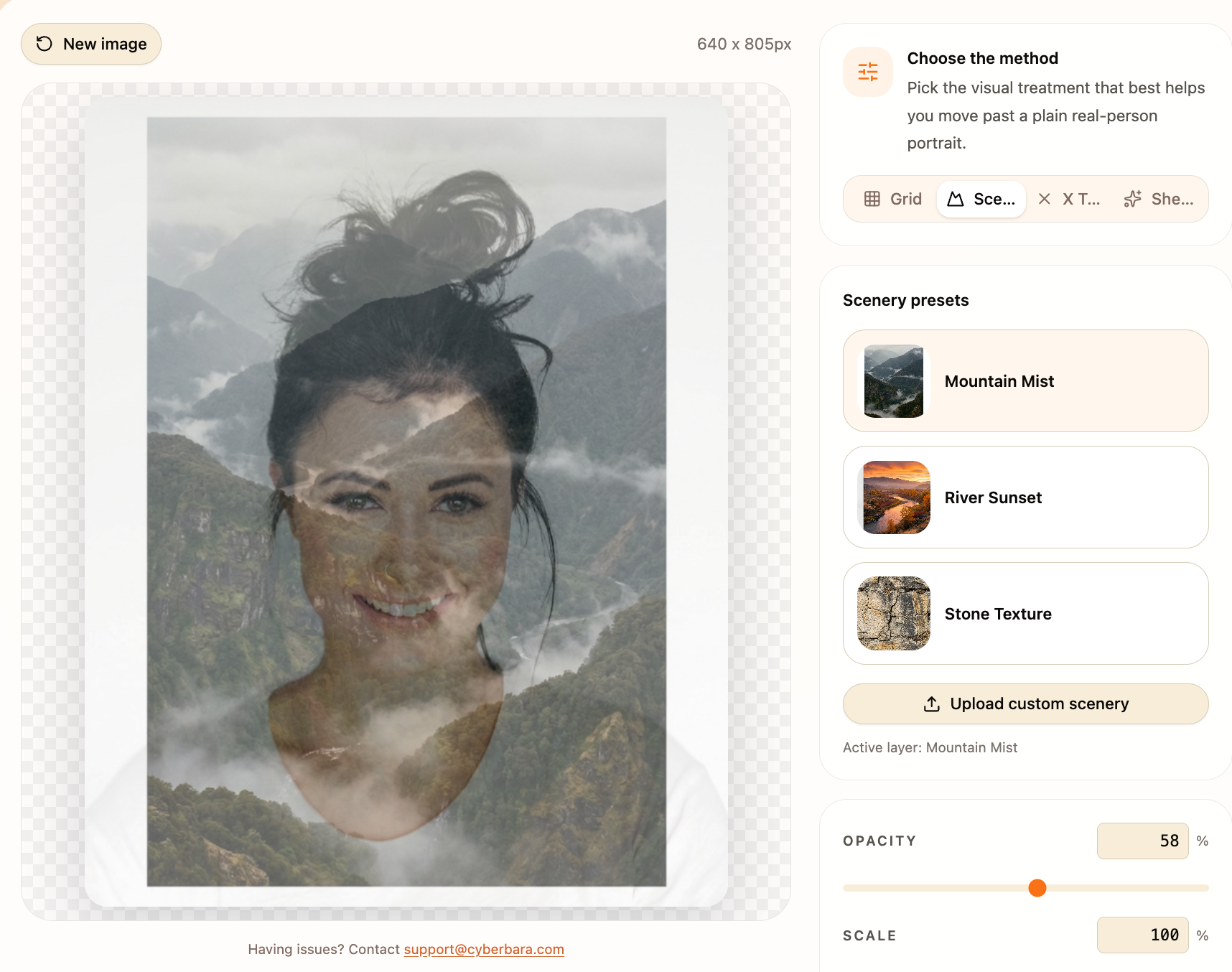
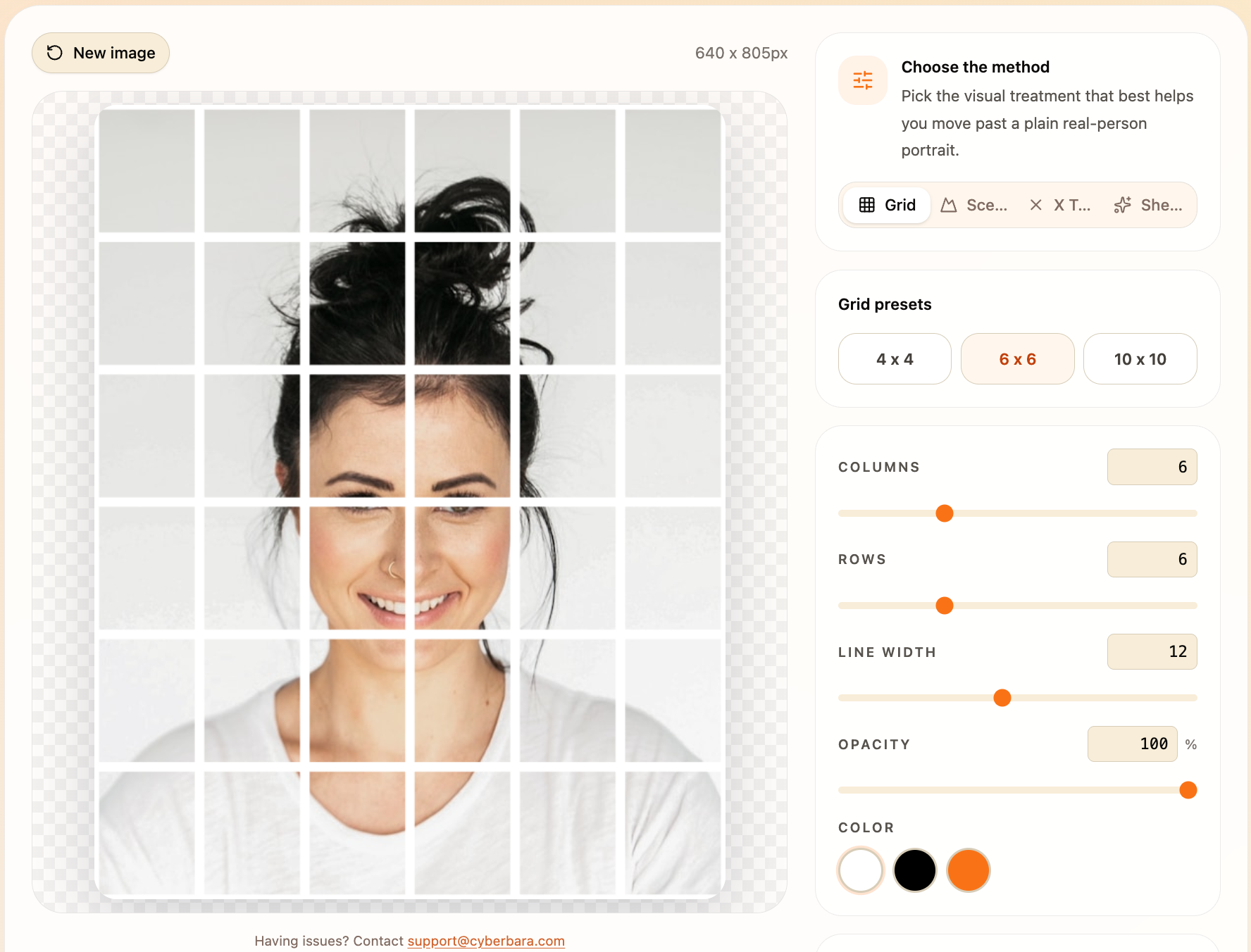
Grid overlay and X-mark trick
You can also try grid overlays, scenery overlays, or X-marks to cover facial features.
Cyberbara also exposes these tools:
If you want more Seedance 2.0 workflows, you can also follow my newsletter or X account.
You can also view this article on cyberbara blog: https://cyberbara.com/blog/how-to-use-real-faces-in-seedance-2-0