
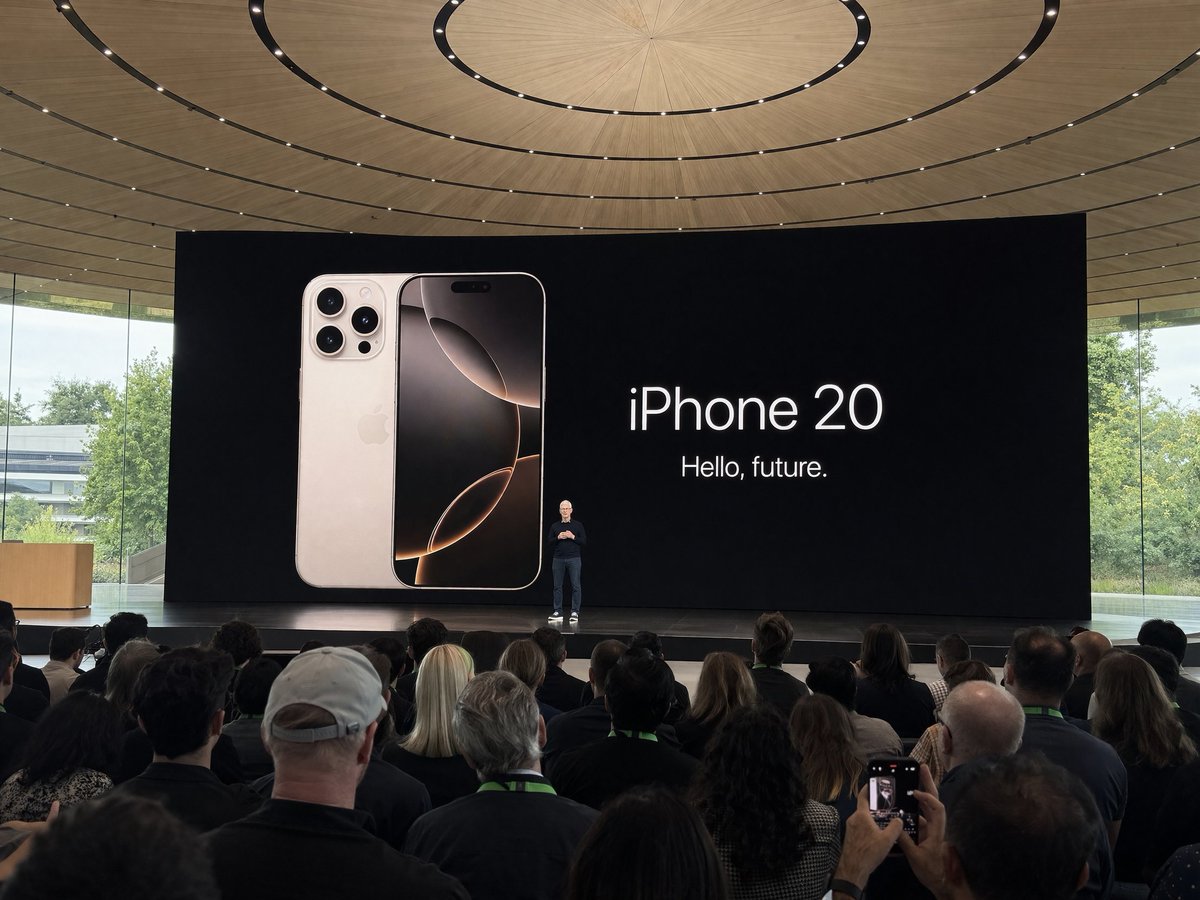
GPT Image 2 现在就在 Cyberbara 上,无需 API key。
直接在 Cyberbara 里使用 GPT Image 2,文生图和图生图都支持。不需要 OpenAI 计费配置,不需要 Kie API key,也不需要自己接入任务链路,打开工具就能开始生成。
在 Cyberbara 上使用 GPT Image 2
新增沉浸式玩法
试试 GPT Image 2 的可拖拽 360 全景模式
输入一个地点和时间,就能把它变成全屏 panorama 场景。这个新页面内置可直接体验的示例,也支持登录后用 GPT Image 2 自定义生成并扣除积分。
提示词库
查看新的 GPT Image 提示词库
打开一个基于 awesome-gpt-image 整理的独立页面。多图案例会以 slideshow 形式展示,并保留 prompt 文本和来源链接,方便你直接复用。
分享
分享
分享这个工具。
为什么直接在这里用 GPT Image 2
不用自己管理 API key
你不需要自己创建、保存、轮换或支付 GPT Image 2 的 API key。Cyberbara 已经把模型接入好了。
文生图和图生图放在一起
下面的嵌入工具同时支持文生图和图生图,而且两个标签页默认选择的都是 GPT Image 2。
更适合快速测试
你只需要用 Cyberbara 积分,不必自己搭建调用链路。这样更适合快速试 prompt、参考图和结果迭代。
提示词参考图库
下面的图库仍然有用,因为它能给你 prompt 方向、构图思路和参考模式。你可以复制任意提示词,然后直接用 GPT Image 2 在 Cyberbara 里跑起来。
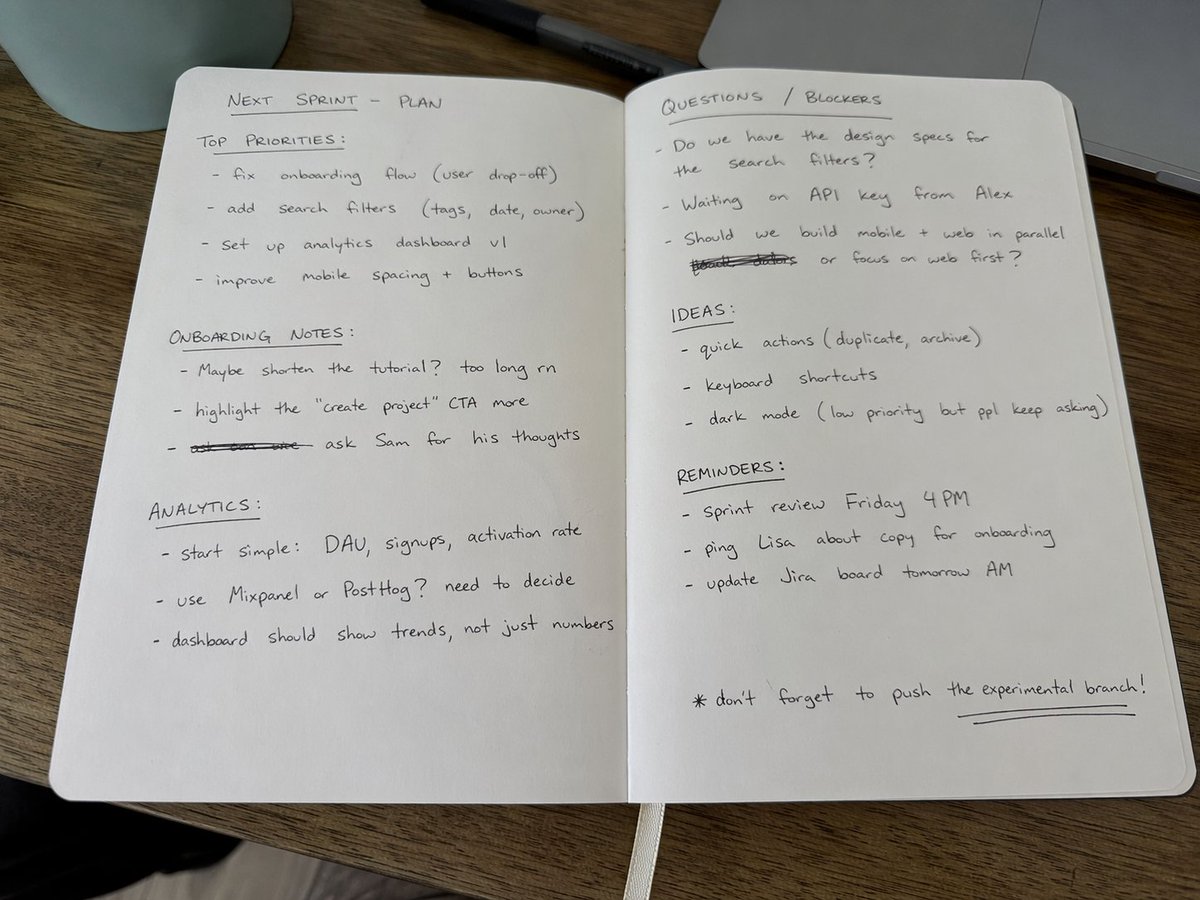
模式: PhotographyOpenNana
Handwritten Notebook Photo
Amateur photo of an open notebook lying flat, filled with handwritten notes in black ballpoint pen. The handwriting is casual and slightly messy, like personnal notes, natural imperfections, crossed out words, underlined headings. Shot from slightly above, natural daylight from a window, no flash. Casual desk setting, shot on iPhone

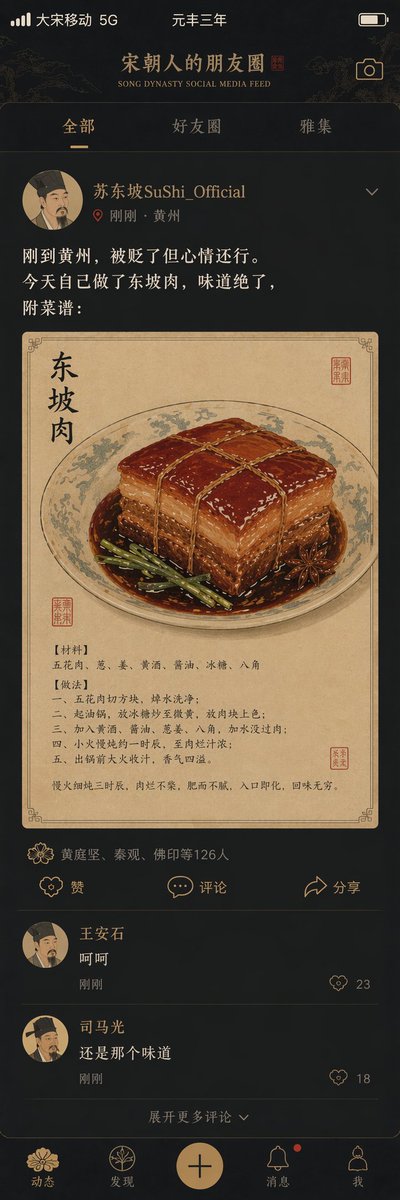
模式: Social Feed UIOpenNana
Song Dynasty Social Media Feed
"Song Dynasty People's Moments"/"SONG DYNASTY SOCIAL MEDIA FEED", Ancient and modern time-travel humor fusion interface design style, The image simulates a mobile phone social media interface, but the content is entirely Song Dynasty scenes, The avatar is a portrait of a Song Dynasty literati, Username "Su Dongpo SuShi_Official", Post content "Just arrived in Huangzhou, demoted but feeling okay. Made Dongpo pork myself today, tastes amazing, recipe attached:", The attached image is a close-up of Dongpo pork in Gongbi painting style, Likes list "Huang Tingjian, Qin Guan, Fo Yin etc. 126 people", Comments section "Wang Anshi: Hehe" "Sima Guang: Still the same taste", Interface elements such as the like icon are replaced with Song Dynasty patterns, The status bar shows "Great Song Mobile 5G" and "Third Year of Yuanfeng", The color scheme is mobile phone dark mode paired with elegant Song Dynasty tones, A masterpiece of fun collision between history and social media
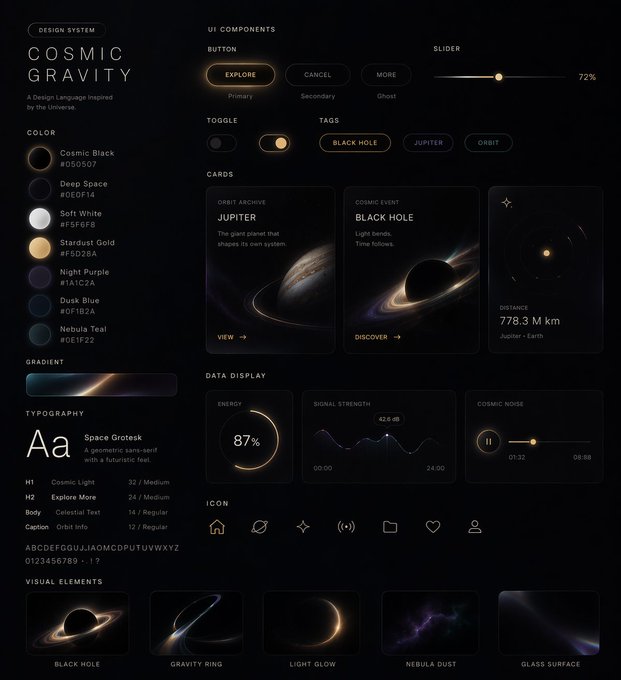
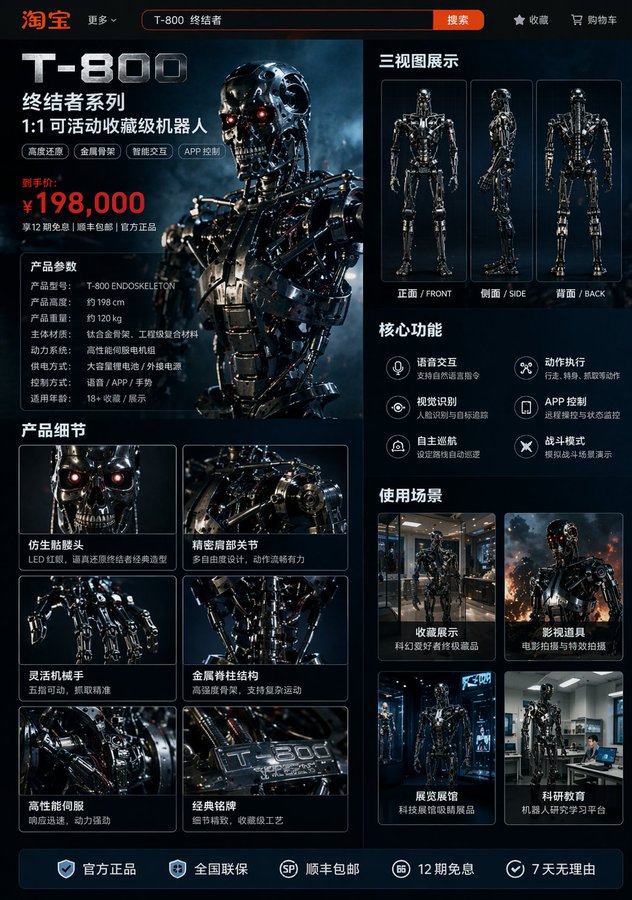
模式: Character SheetOpenNana
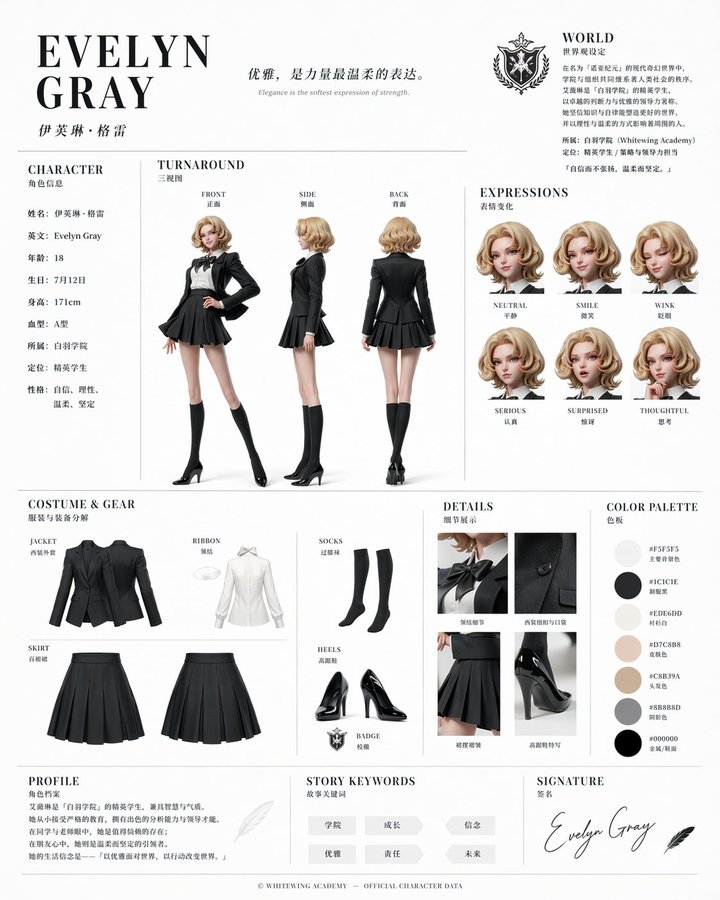
Official Character Reference Sheet
Based on this character and background, please create a character reference sheet similar to official setting materials. ・Includes three-view drawings: front view, side view, and back view ・Add variations of the character's facial expressions ・Break down and display detailed parts of the clothing and equipment ・Add a color palette ・Include a brief explanation of the worldview setting ・Overall, use an organized layout (white background, illustration style)
模式: InfographicOpenNana
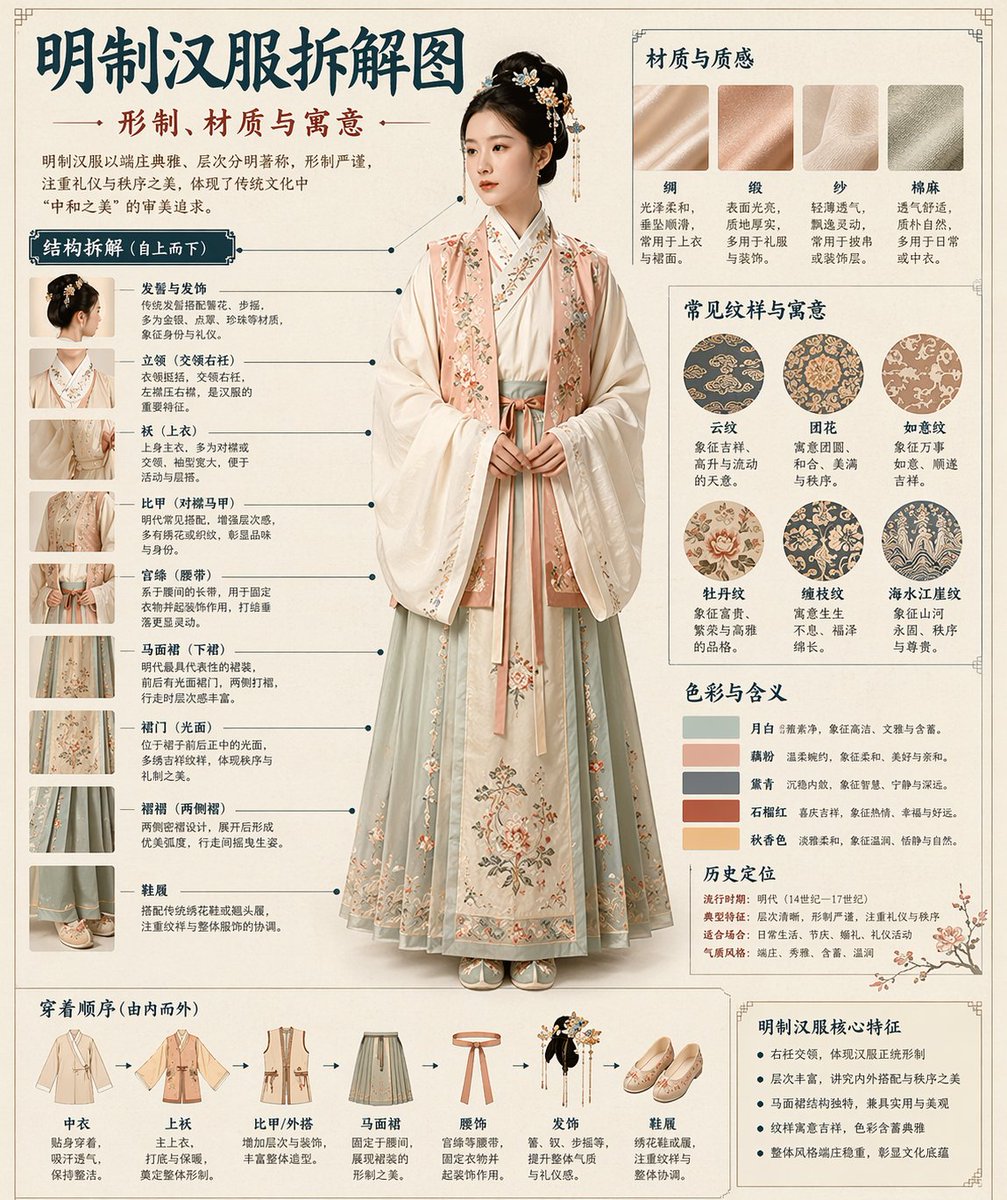
Museum-Level Chinese Disassembly Infographic
Museum catalog-style Chinese disassembly infographic of a classical object. Clean cream background, museum editorial layout, precise callout lines, numbered structure labels, balanced typography hierarchy, bilingual museum annotation feel, elegant negative space, and a polished print-design presentation.
想用 GPT Image 2,但不想自己搭基础设施?
直接打开生成器,选择模式就能开始。Cyberbara 已经把 GPT Image 2 接好了,不需要你自己处理 API 配置。
常见问题
GPT Image 2 现在已经能在 Cyberbara 上用了吗?
可以。GPT Image 2 已经在 Cyberbara 上可用,这个页面下方就是对应的嵌入式生成器。
在 Cyberbara 上用 GPT Image 2 需要我自己的 API key 吗?
不需要。你不需要自己的 OpenAI API key,也不需要自己的 Kie API key。
我需要先有 OpenAI 账号吗?
不需要你额外去配置 OpenAI 账号接入。你在 Cyberbara 内通过积分使用,平台已经处理了模型访问。
这个页面同时支持文生图和图生图吗?
支持。下方工具同时包含文生图和图生图两个模式。
工具区默认选择的是什么模型?
文生图默认选择 GPT Image 2 的 text-to-image 模型,图生图默认选择 GPT Image 2 的 image-to-image 模型。
图生图模式可以上传参考图吗?
可以。切到图生图后上传一张或多张支持格式的参考图即可开始生成。
图生图模式一定要填写 prompt 吗?
不一定。GPT Image 2 的图生图可以直接基于参考图运行,你也可以额外写 prompt 来增强控制。
在 Cyberbara 上使用 GPT Image 2 是怎么计费的?
使用的是 Cyberbara 积分,而不是你自己去管理底层 API 计费。这更适合快速试用和迭代。
生成后的图片可以下载或保存吗?
可以。任务完成后可以下载结果图,也可以把支持的结果保存到素材库。
我可以查看之前跑过的 GPT Image 2 任务吗?
可以。生成器自带历史记录,你可以回看 prompt、预览结果,并再次提交相似任务。
这个页面只是一个 prompt 图库吗?
不是。图库只是辅助内容,这个页面的核心是让你直接在 Cyberbara 上使用 GPT Image 2,而不是只看 prompt。
为什么要在 Cyberbara 上用,而不是自己直接调用模型?
因为 Cyberbara 省掉了接入工作。你不用自己处理 API key、上传、任务轮询和计费集成,直接就能开始测试 GPT Image 2。